Summary
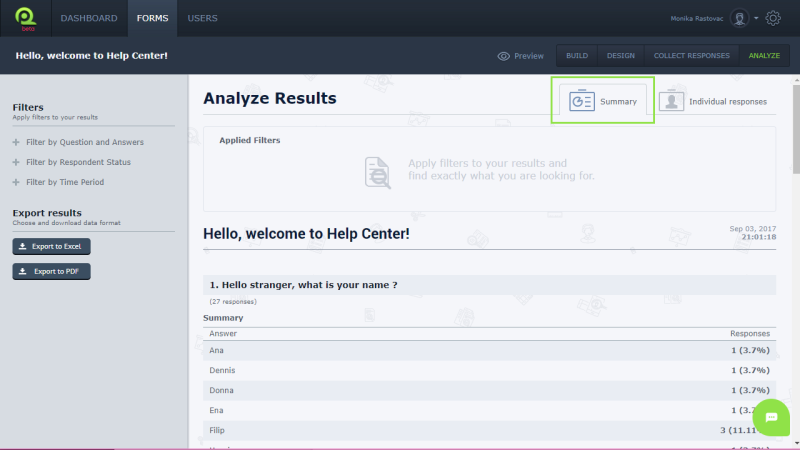
The summary of your form is visible when you choose Analyze. It is an overview of your questions and responses. You can customize the summary according to your interests by adding filters.
To use Summary:
- Log in
- Choose Forms in Menu bar
- Choose your form
- Summary of your form is open
Individual reports
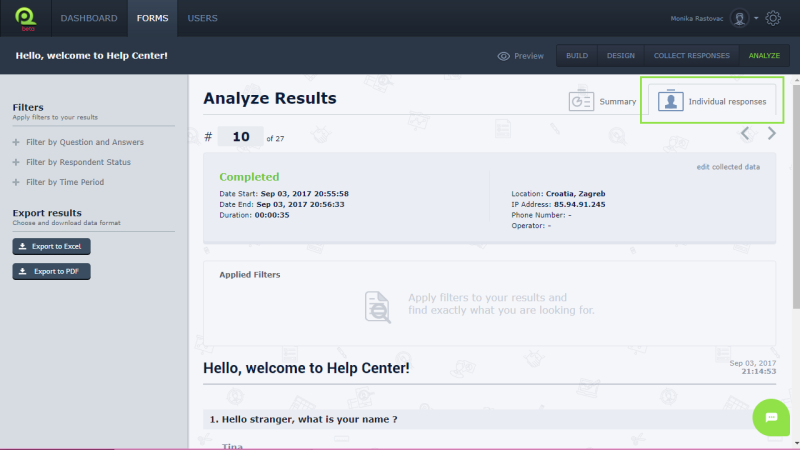
Individual reports will show you the answers of each respondent. Also you can see status (if respondent completed form), as well as some other information such as how long it took to complete the form, when he started to respond on your questions or his IP address. You can also use filters and export individual results.
To use individual reports:
- Log in
- Choose Forms in Menu bar
- Choose your form
- In toolbar on right side choose Individual reports
Was this article helpful?
Thanks for letting us know.
Still need help?
Send us a message or reach us in live chat, and we will respond as soon as possible.